

Artwork Photography Guide
Version: 2.0
Effective Date: September 11, 2025
This is a guide that describes how artworks should be photographed to be presented on the PickArt platform. If you are consigning your art with PickArt, you must provide photographs according to sections 1, 2, and 3. If you are consigning a sculpture or other three-dimensional work, you can skip section 1. We appreciate it if you are able to provide in situ photography as well (section 4) but we will be able to produce it ourselves once we exhibit your artworks. All of the photographs must adhere to the specifications listed in section 5.
If you are using PickArt Indie, treat these as a recommendation. You are free to choose to photograph your works differently.
1. Main Artwork Photograph
First, the artwork should be presented in perspective, photographed at a 90-degree angle with natural light. The artwork should be in focus and occupy the entirety of the image. No filters or colour correction should be applied. Avoid glare, shadows, and obvious flash photography. Frames, pedestals or other details that are not an essential part of the artwork should be excluded, even if the artwork is sold together with them.
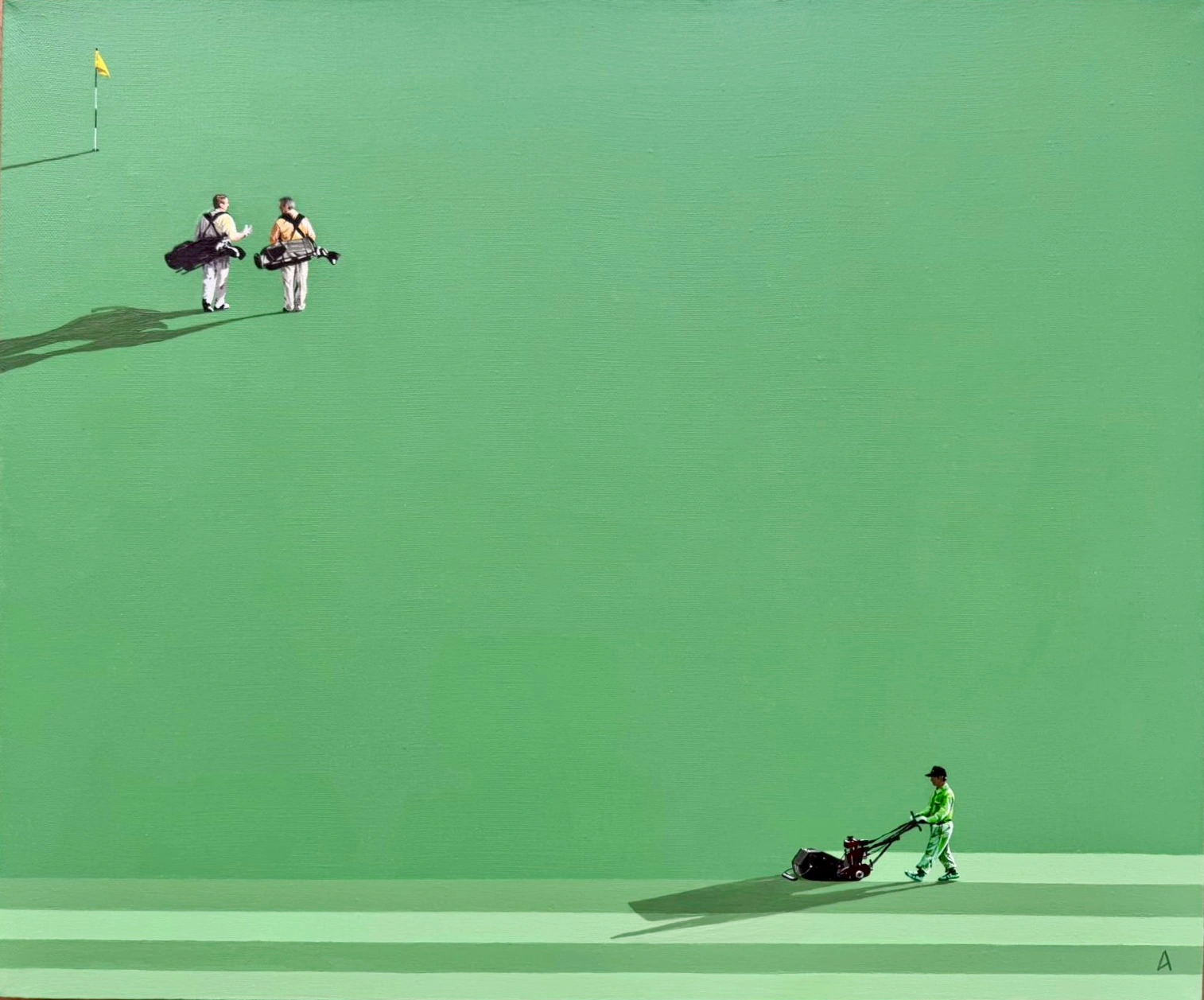
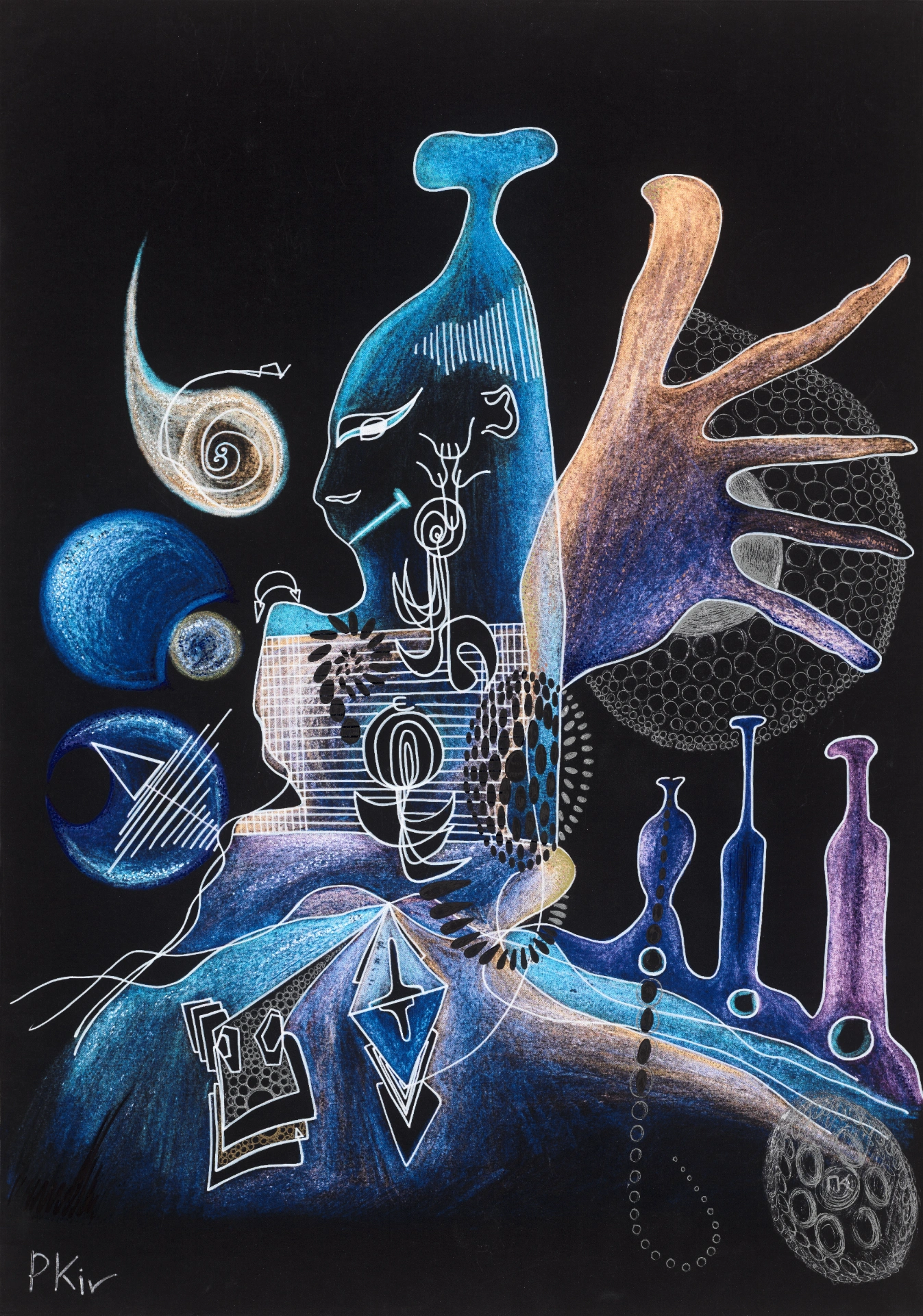
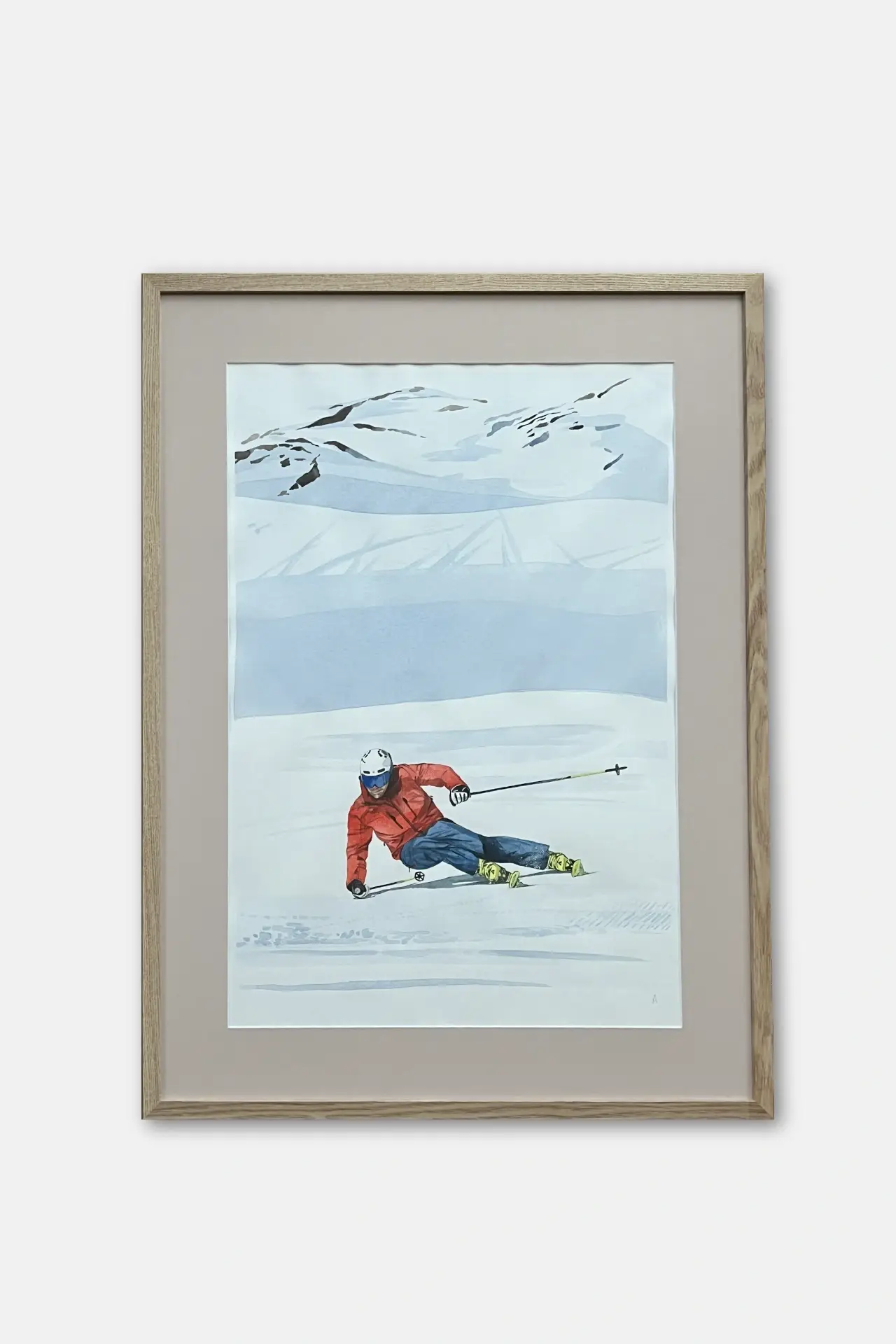
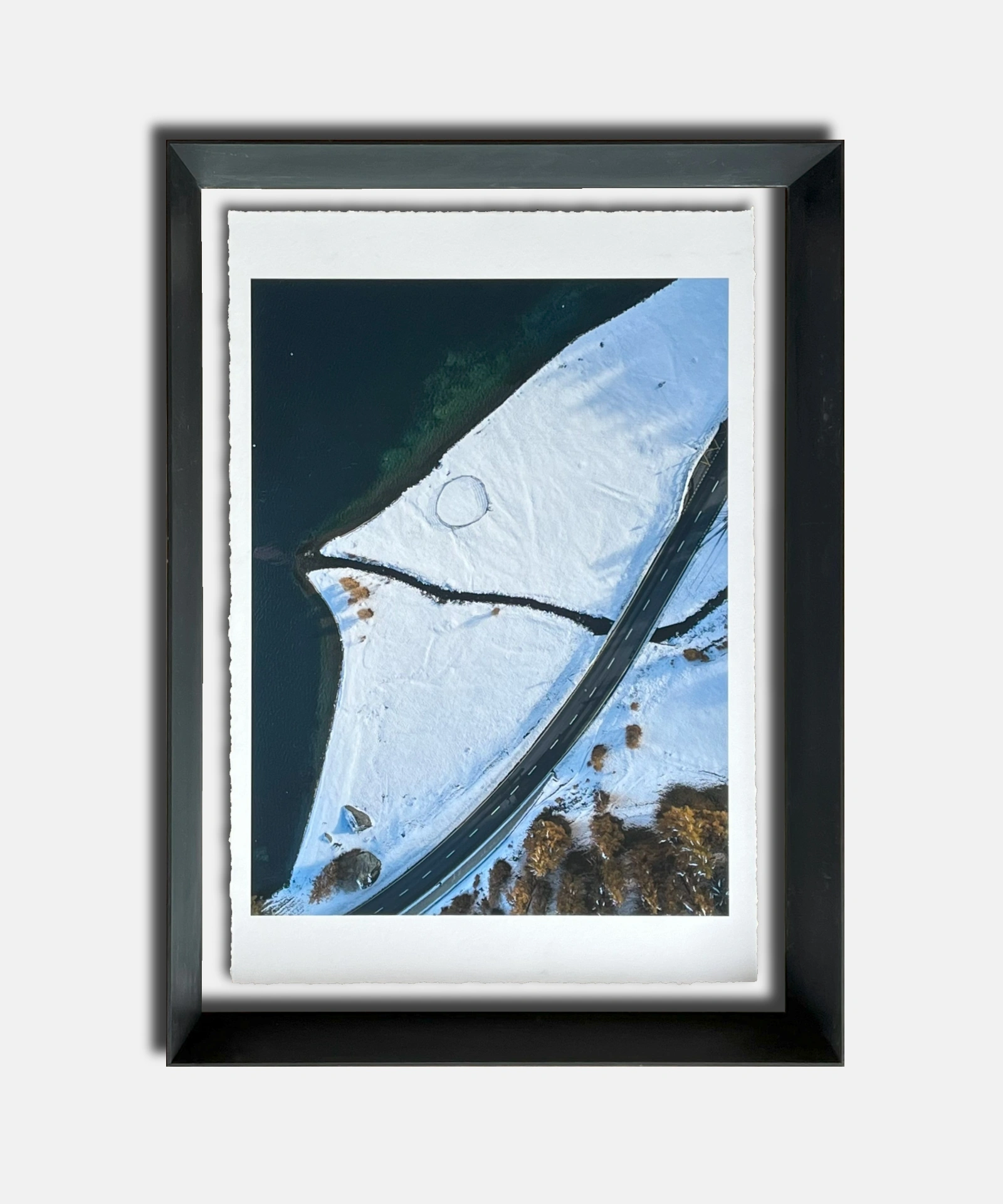
2. Neutral Artwork Presentation (including frame/pedestal/etc.)
Next, the artwork should be presented on a neutral light gray background (HEX F1 F1 F1) with a slight drop shadow. These photographs should include non-essential elements such as frame or pedestal that the artwork is sold with. These shots should be taken without perspective and show the artwork at a 90-degree angle from above. The artwork should be centred and margins on all sides should be equal. There should be no perspective and natural lighting should be used. No filters or colour correction should be applied. Avoid glare and obvious flash photography.
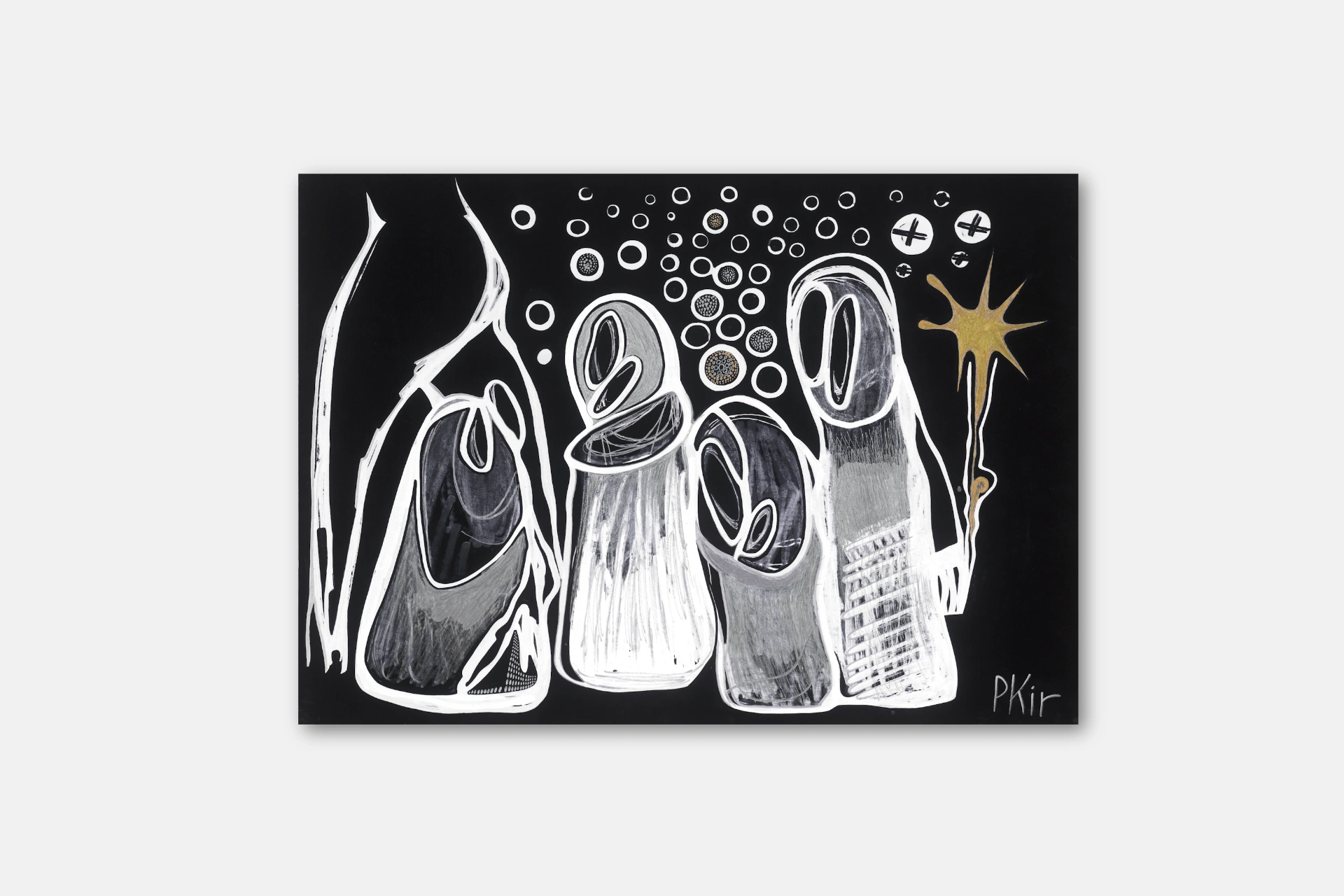
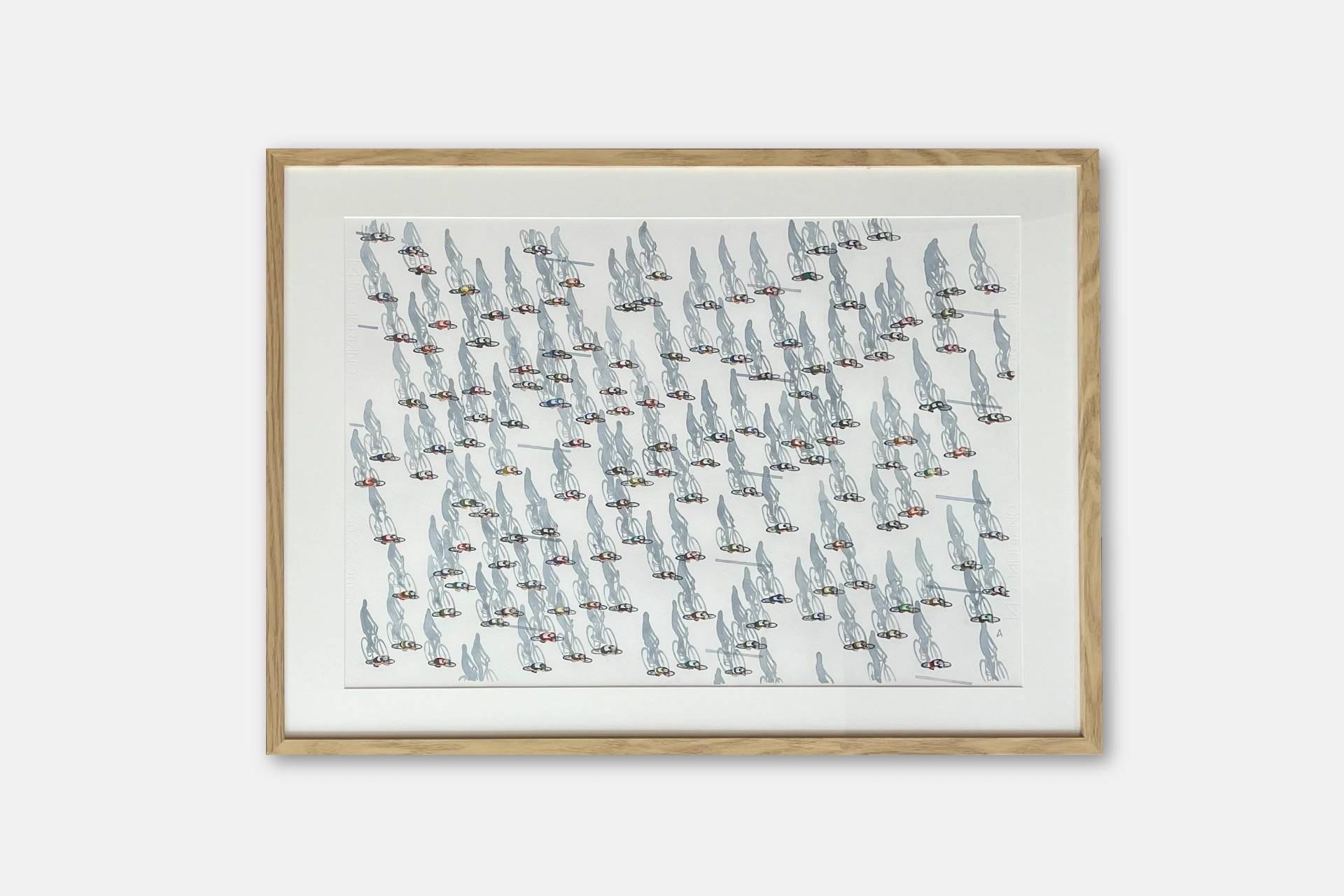
3. Artwork Details
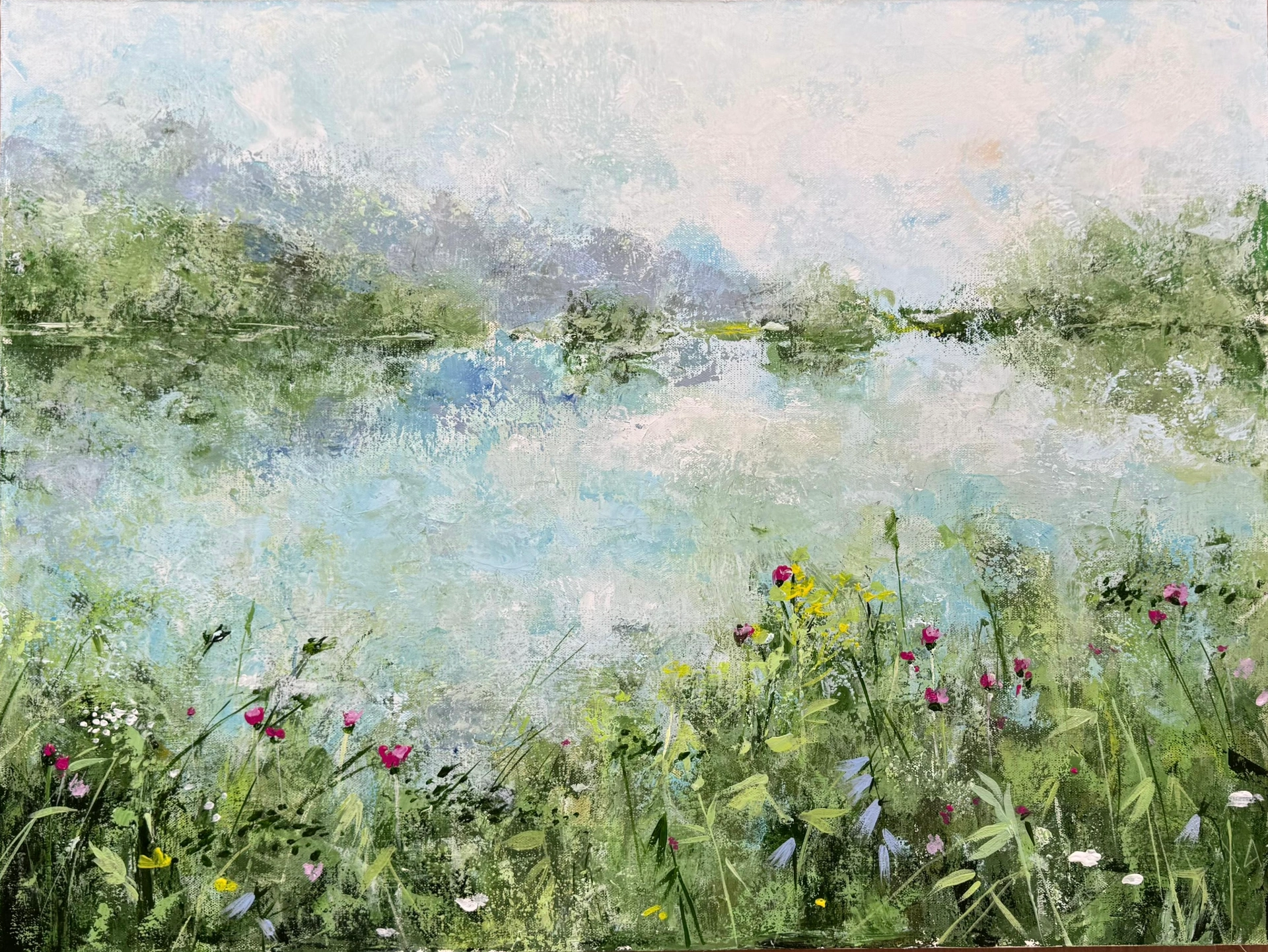
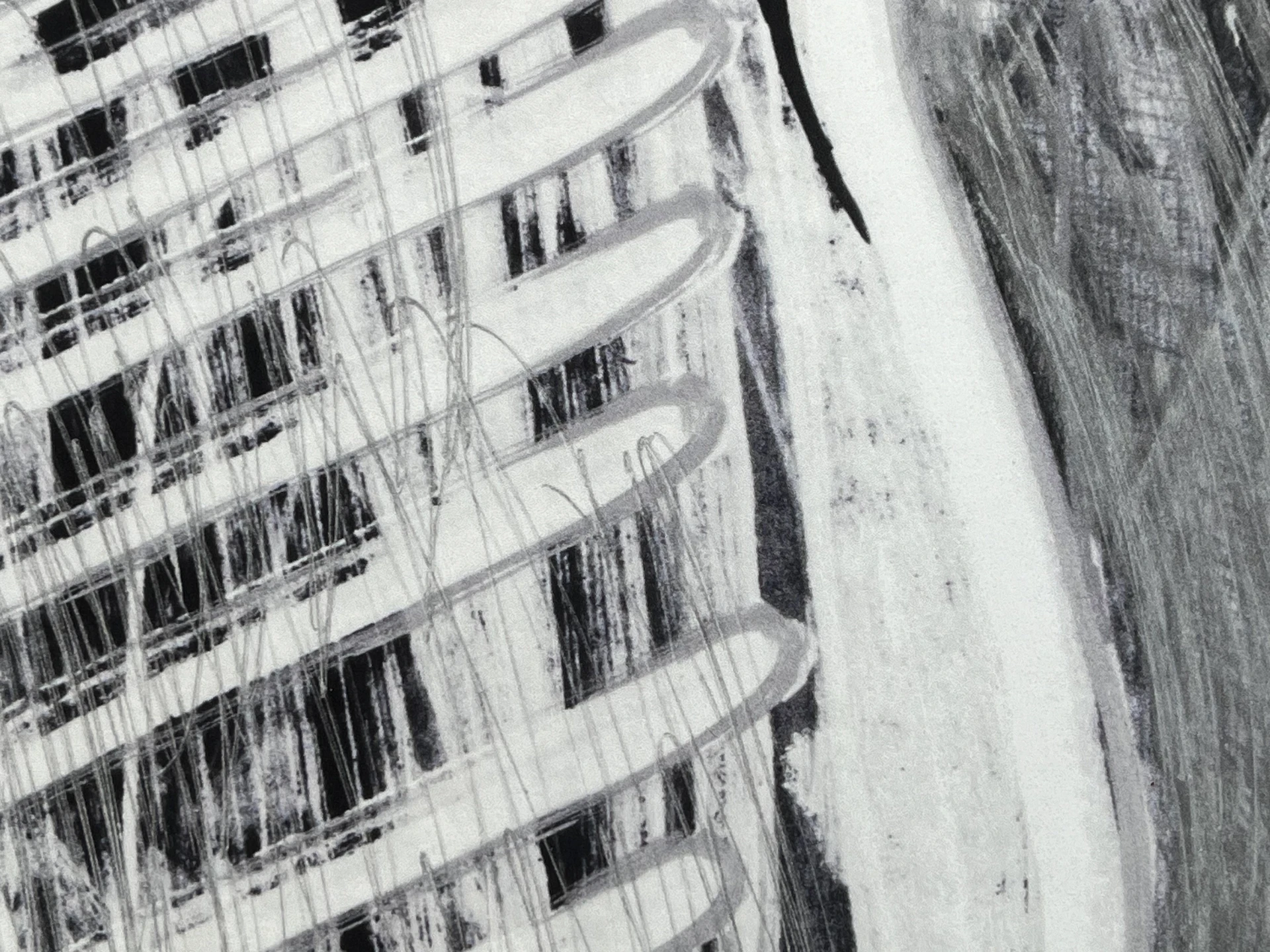
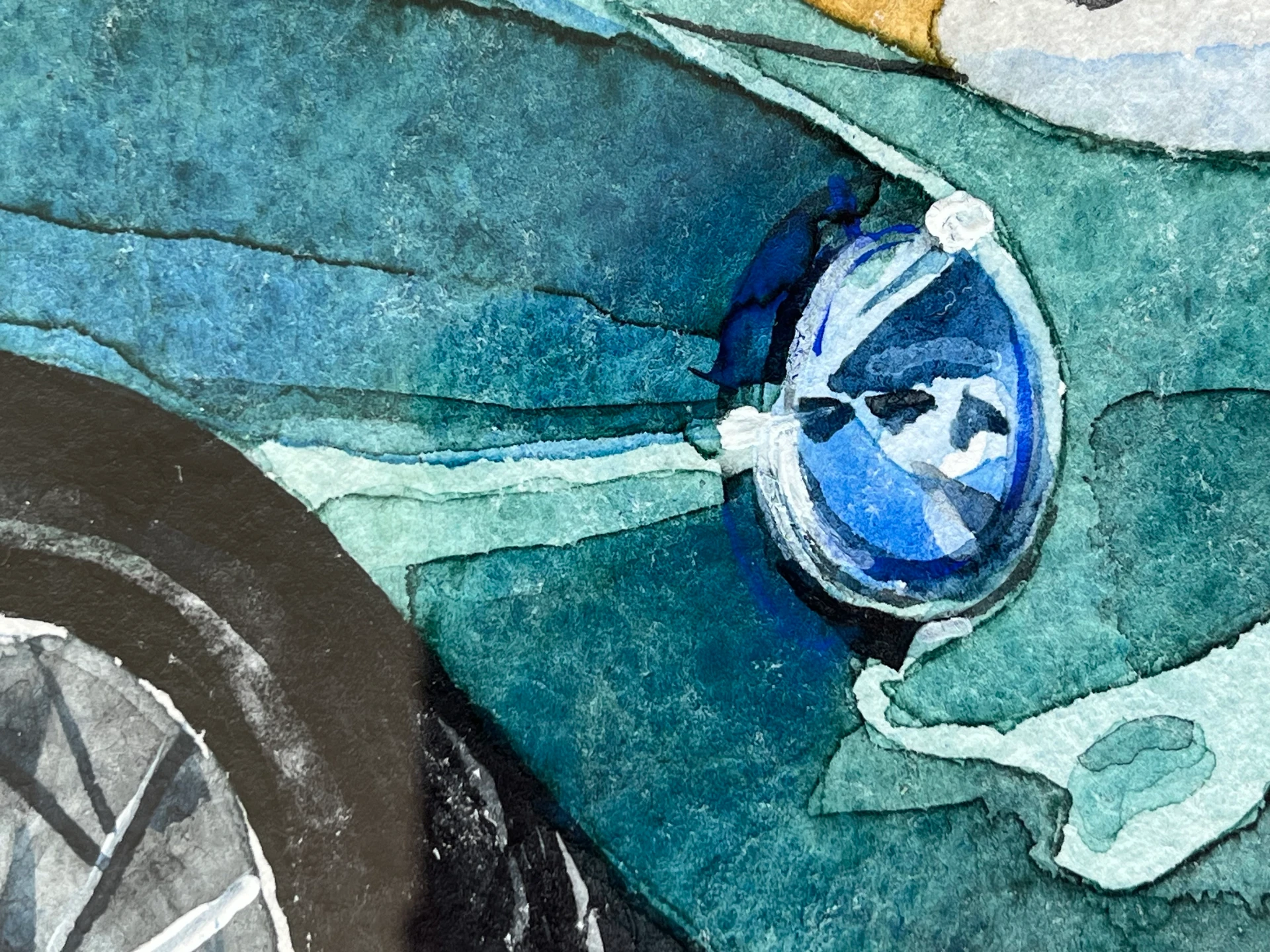
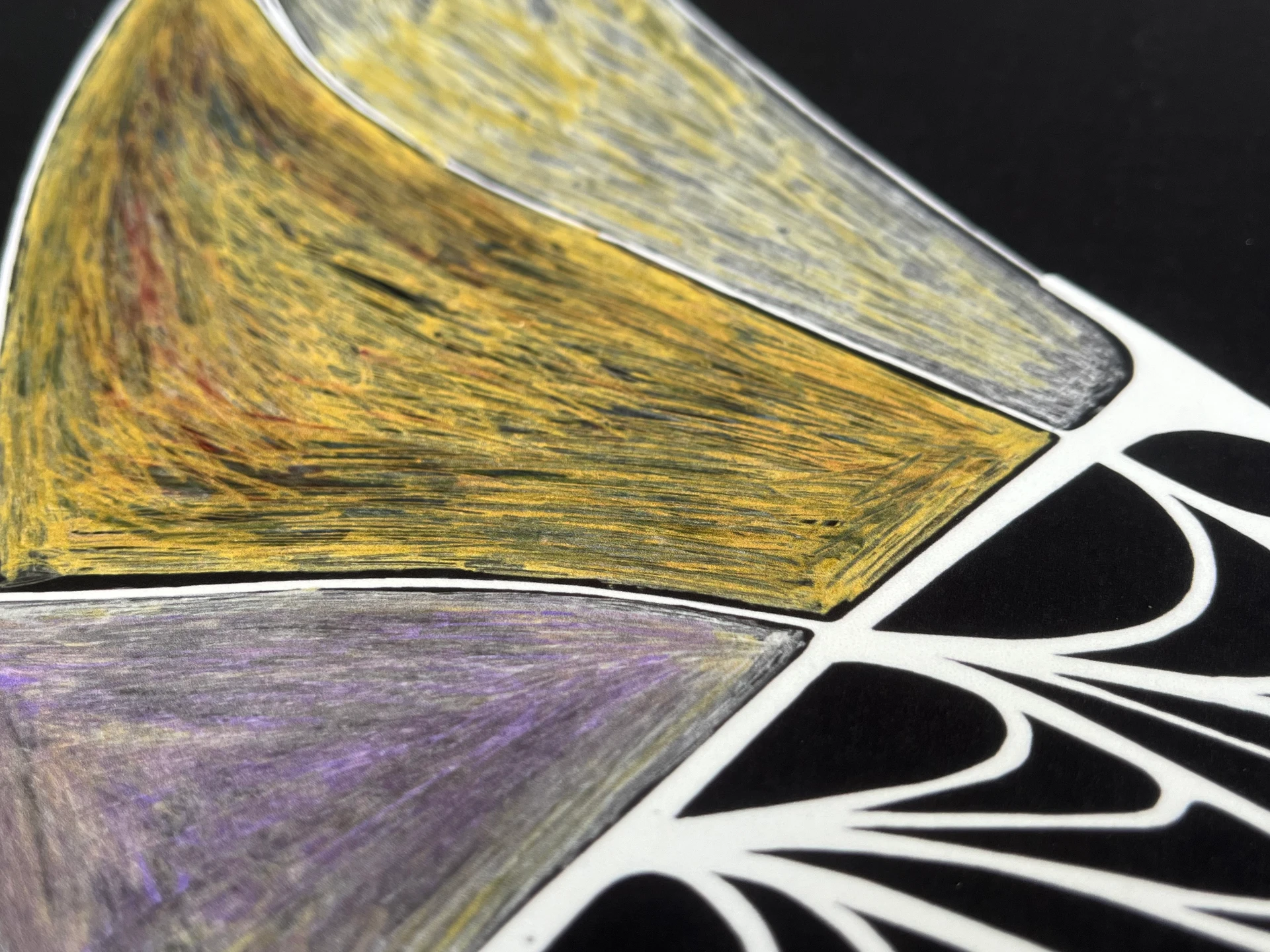
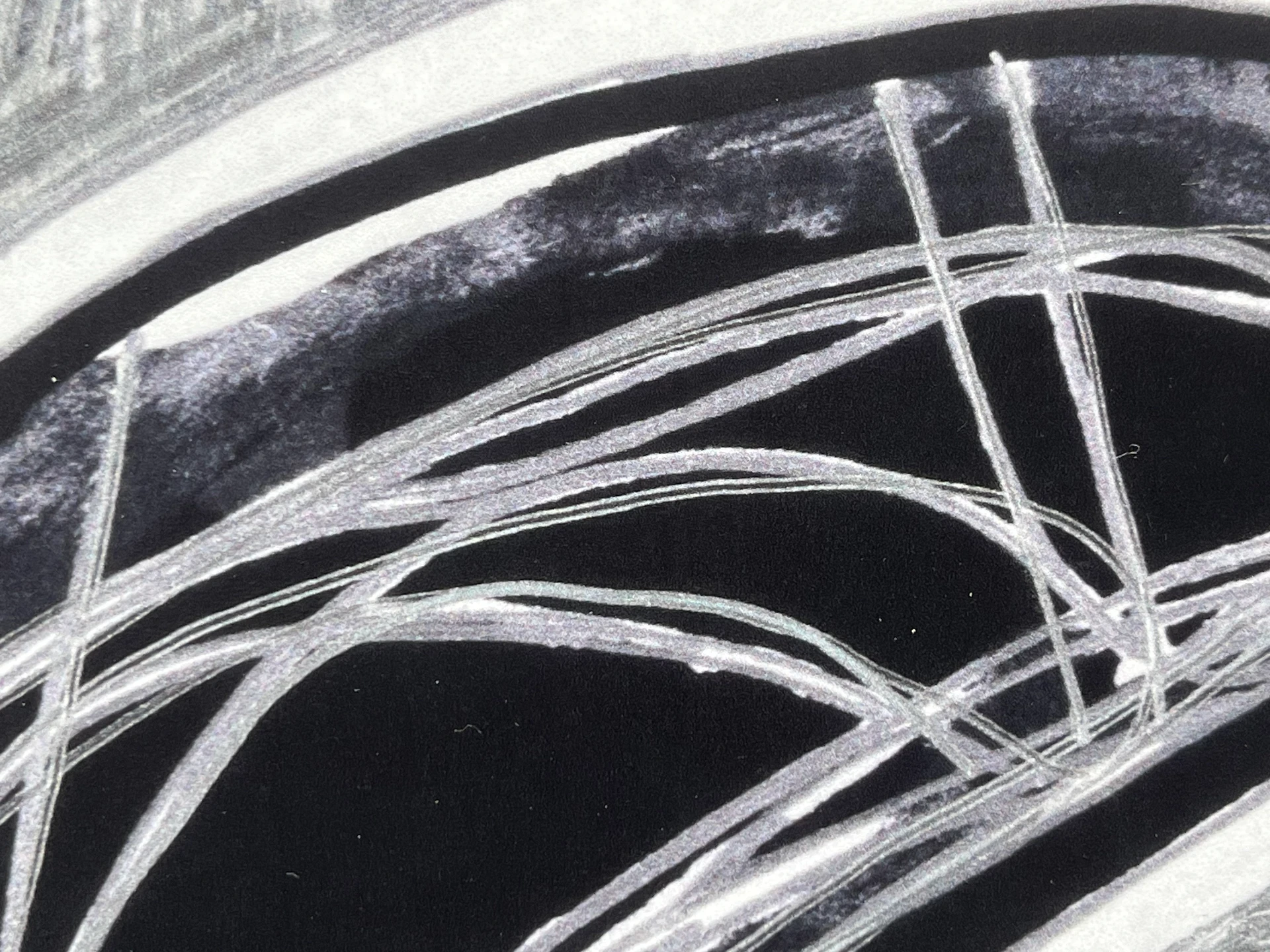
Close-up macro images should complement the artwork presentation. They may highlight special features such as brushstrokes, texture, artist’s signature, frame material, etc. These shots may be taken with or without perspective, depending on the type of artwork and details to be shown. Glare, flash photography, and harsh shadows should be avoided here, too.
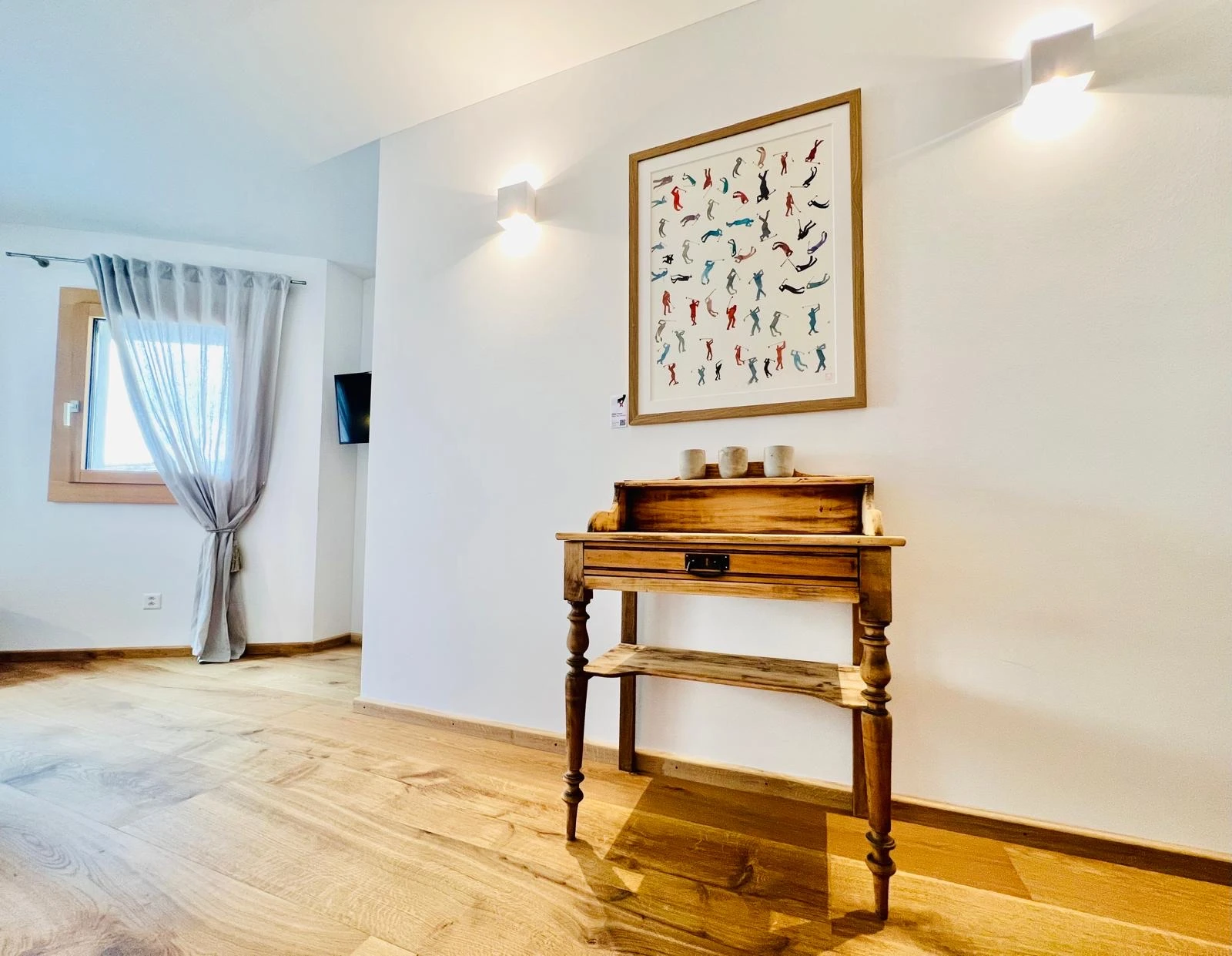
4. Artworks in Context
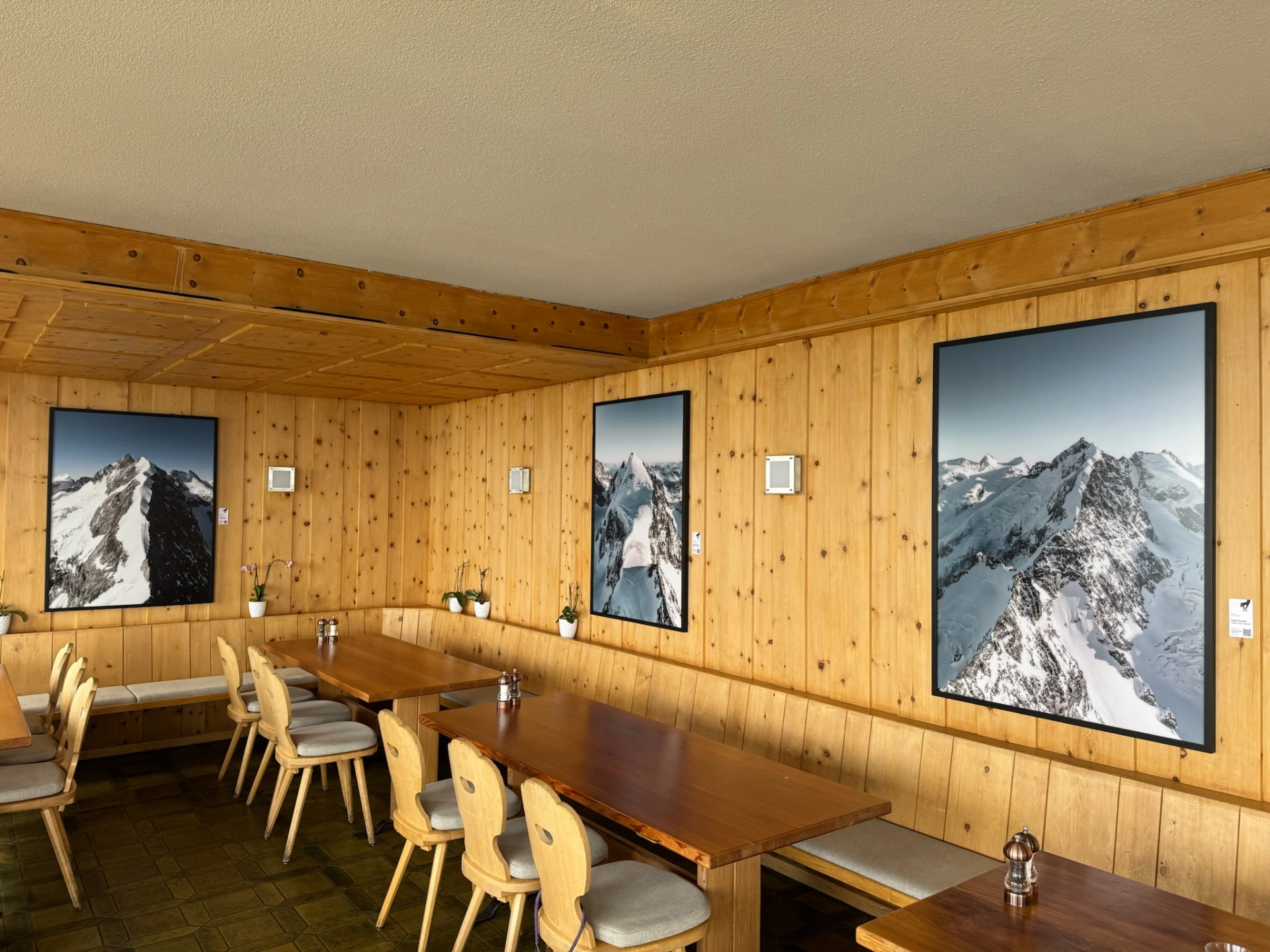
Lastly, artworks should be presented within rental spaces where they are exhibited or other complimentary interior design. Conscious perspectives and perfect lighting should show the pieces of art at their best and demonstrate how they upgrade and complement the interior of the rental. The lighting should have a natural day-light look. Artificial-looking light, color filters, effects and obvious flash should be avoided.
5. Quality, Format, and Other Submission Requirements
- a) Resolution: at least 2,048 pixels on the shortest side.
- b) Format: JPEG (.jpg) or PNG (.png).
- c) File Size: Maximum 10MB per image.
- d) Orientation: The image must be aligned properly, with the artwork appearing upright and not rotated.
- e) File Naming: Name the image files using the format:
[ARTIST NAME]_[ARTWORK TITLE]_[DIMENSIONS]_[IMAGE NUMBER].jpg
Example: JohnDoe_Endlessness_60x80cm_1.jpg and JohnDoe_Endlessness_60x80cm_2.jpg